
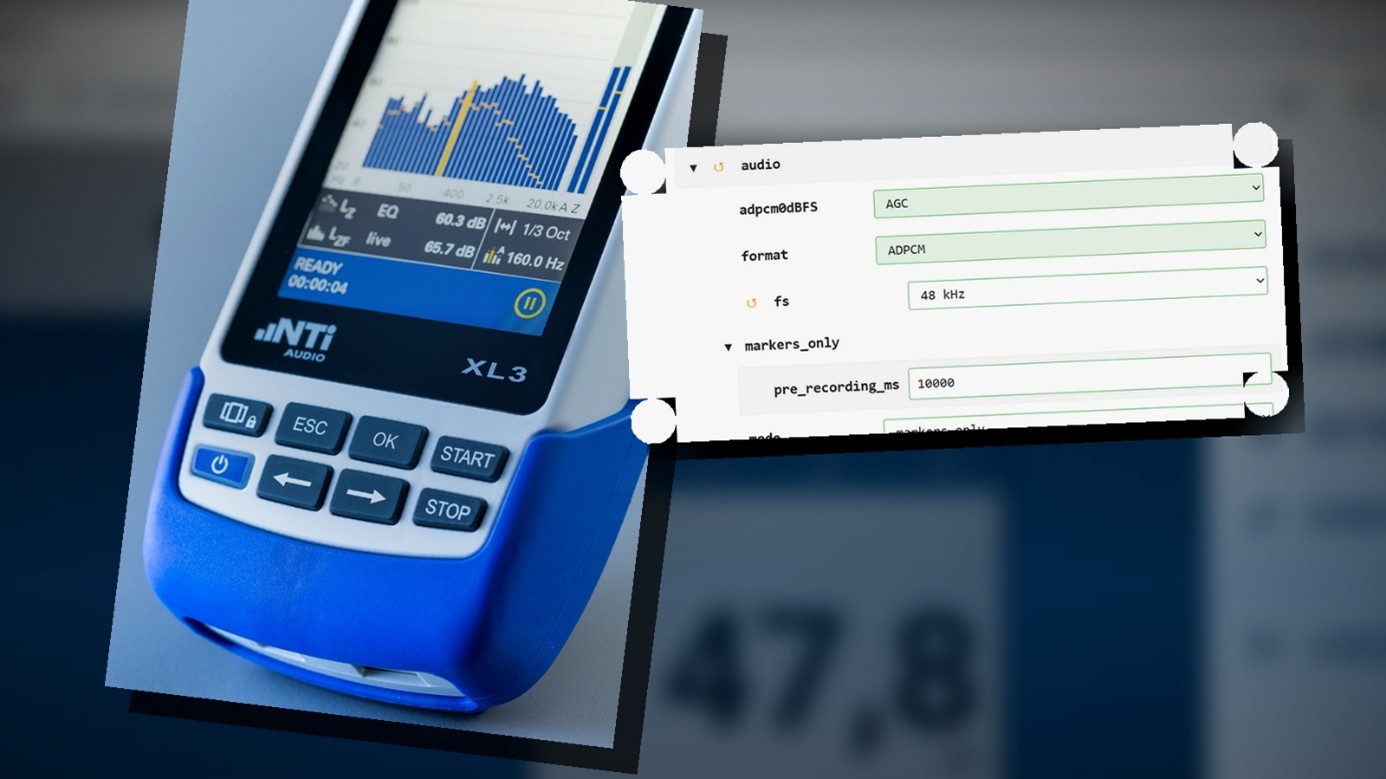
With Firmware V1.54, users can now conveniently create their own configurations for the XL3 Acoustic Analyzer. This is made possible by a new feature on the XL3 web page: the Config Editor.
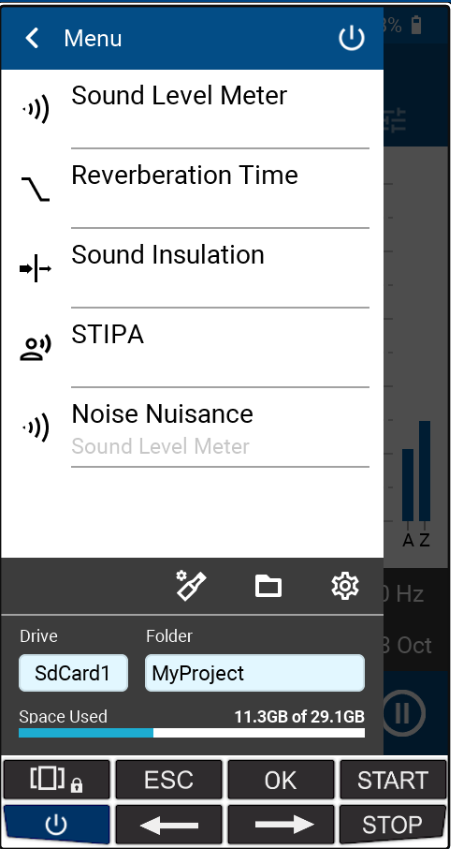
All XL3 settings can be individually customized in the Config Editor. The created configuration then appears directly in the list of measurement functions on the XL3. Predefined configurations – for example, for various live sound monitoring standards – are available for download on the my.nti-audio.com platform. New in this version, XL3 users can now also create and manage fully custom configurations.
How it works
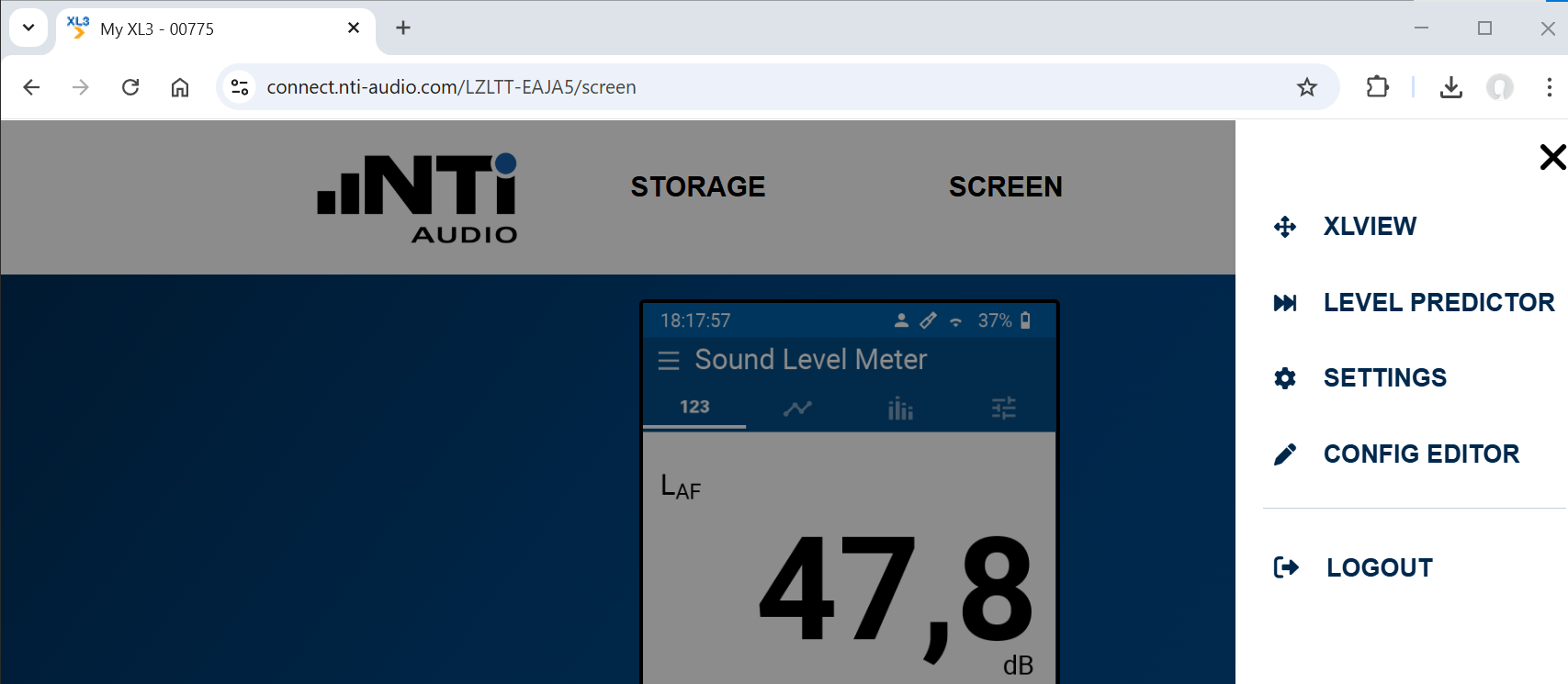
The starting point is the XL3 web page, accessible for example via the NTi Audio Connect Service: https://connect.nti-audio.com/
Use the hamburger menu to navigate to the “Config Editor”. In the Config Editor, you can either:
- load the current settings of your XL3, or
- open an existing configuration.
All settings are displayed clearly in a tree structure. The desired parameters can be found either by navigating systematically through the structure or conveniently using your browser’s search function.
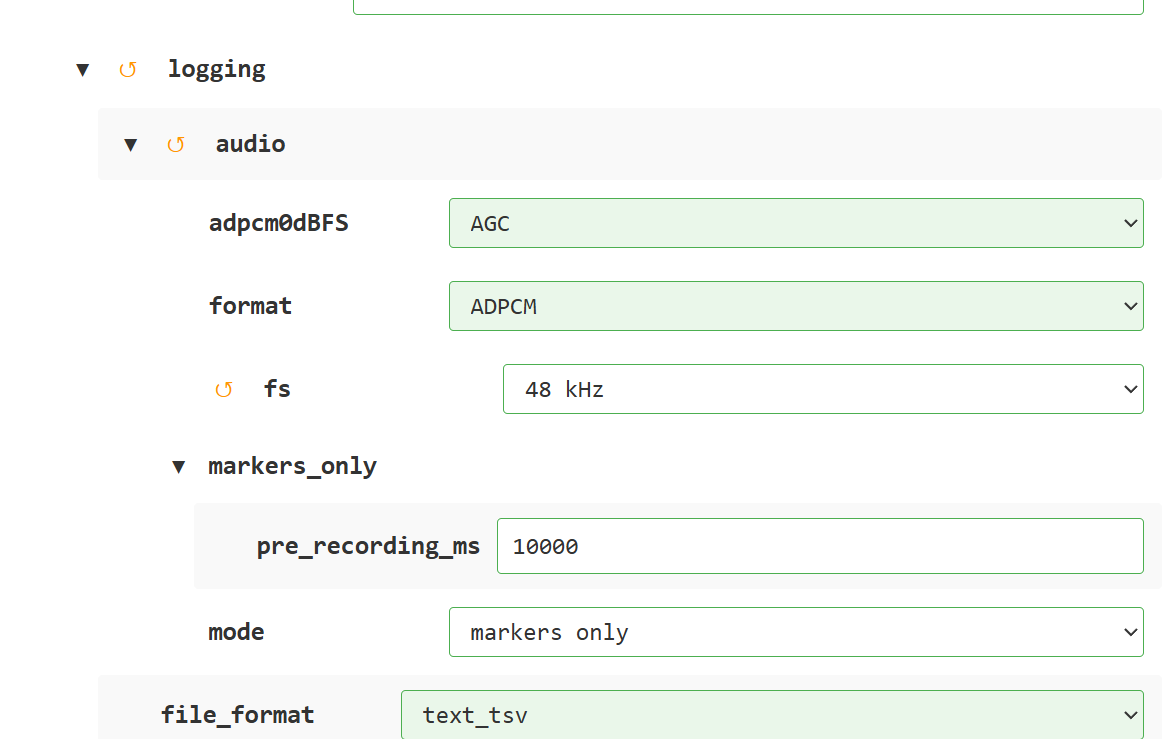
Color coding:
- Green background: Default value of the XL3
- White background: Deviation from the default value
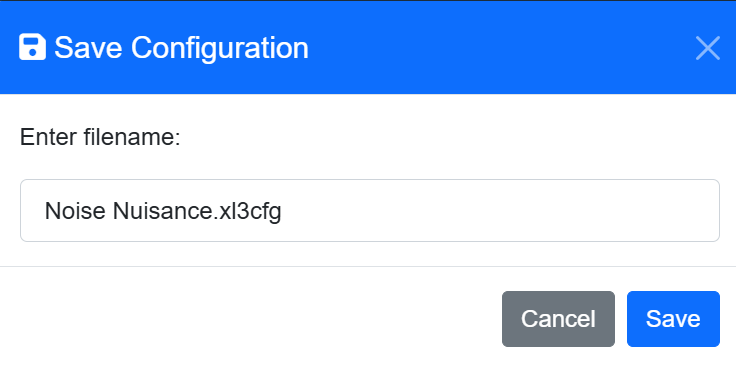
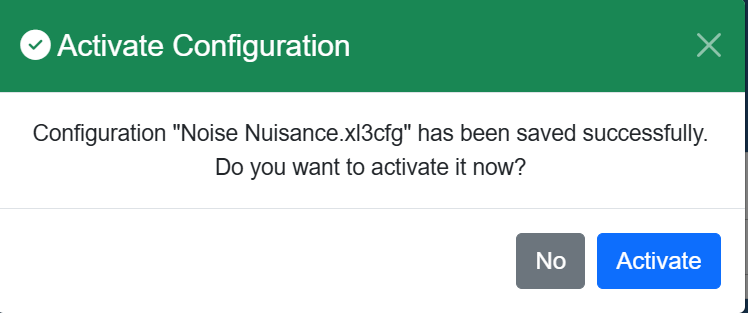
Using the “Back” symbol, individual fields or entire sections can be reset to their previously selected values at any time. Once all desired settings have been made, save the configuration to the XL3 using the “Save” button — with the option to activate it immediately.
You can find the complete list of new features here.
This video shows how to easily update your XL3 firmware.
Firmware V1.54 is available for download here.
Do you have questions? Feel free to contact us at info@nti-audio.com