Testing Smart Devices
This page is aimed at manufacturers, repairers and refurbishers of Smart Devices.
We will show you how to run comprehensive tests on the sound reproduction quality of the loudspeakers and microphones built in to such devices.
Along the way, we will explain all the terminology to give you a clear understanding of the testing processes.
As a leading manufacturer of audio and acoustic test instruments, we are experts in:
- precise measurements
- intuitive software packages for the post-processing, analysis and reporting of the measured results
- providing the complete solution
Here you will see what benefits you receive by choosing the NTi Audio Smart Device Testing solution.
What you need to know
What you need in order to measure
What are Smart Devices?
A smart device is an electronic gadget that is able to connect, share and interact with its user and other smart devices. Although usually small in size, smart devices typically have significant computing power.
We are concerned with testing only with those smart devices that have built-in loudspeakers or microphones.
These could be smart speakers, mobile devices, tablets, intercoms, and security cameras.
The example we will test is the Amazon Echo Dot.
How to test a smart device
Let’s see how this works in practice. The Device Under Test (DUT) in this video is an Amazon Echo Dot. The concepts discussed also apply to other types of Smart Devices.
7 Steps to Smart Device Testing
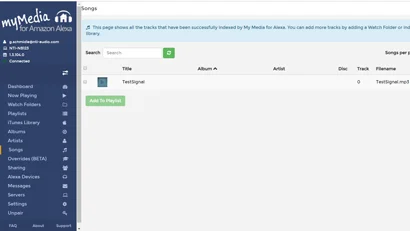
Save this TestSignal.mp3 file to your Alexa My Media Service. This is a GlideSweep test signal.
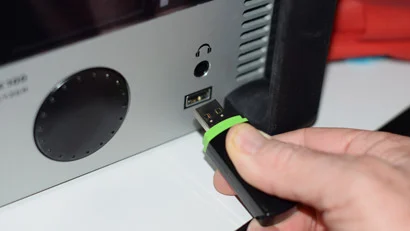
Save this AlexaAskMyMedia.wav file to a \FX100WAVE folder on a USB stick and plug in to the FX100. This is a spoken message that triggers Alexa.
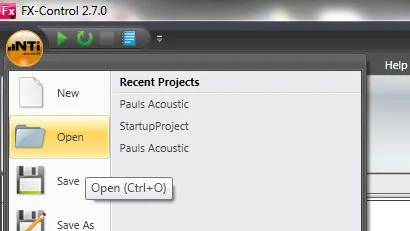
Open this TestingEchoDotLoudspeaker.fx file with the FX-Control PC Software. This is a configuration file to setup your FX100 for the Amazon Echo test.
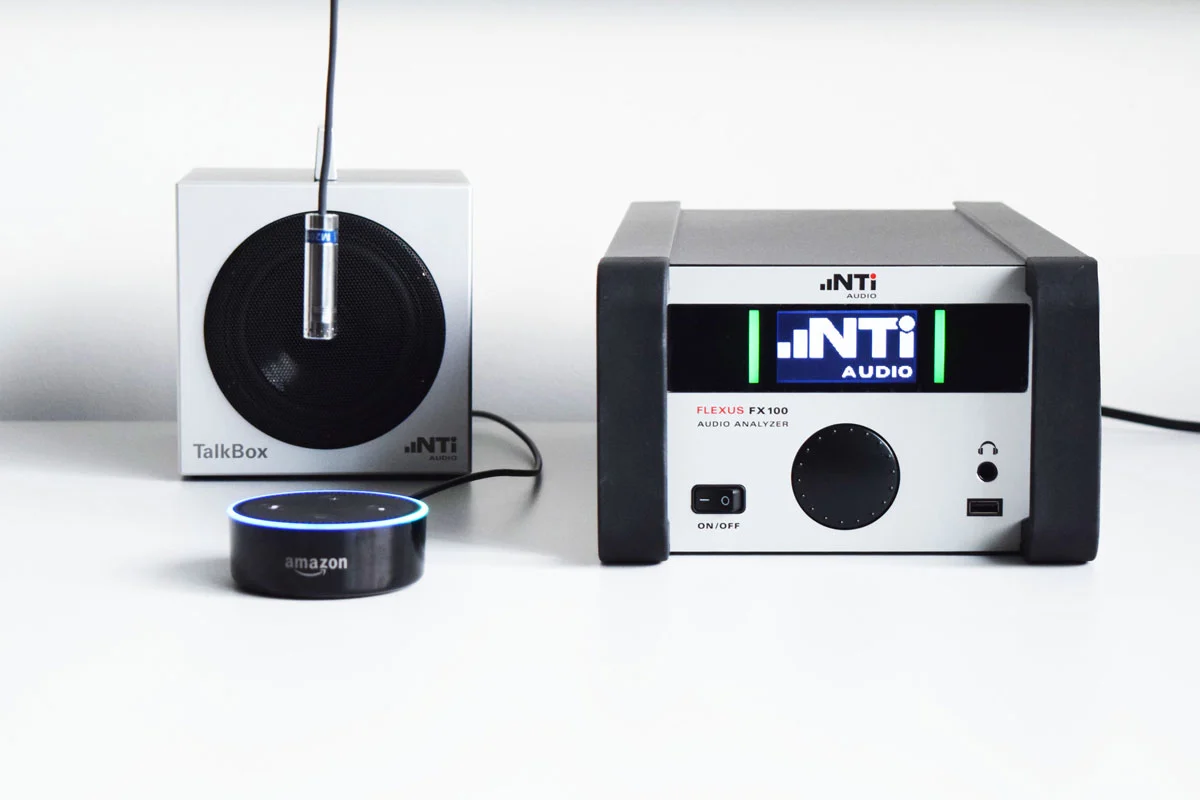
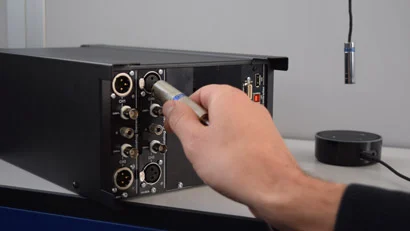
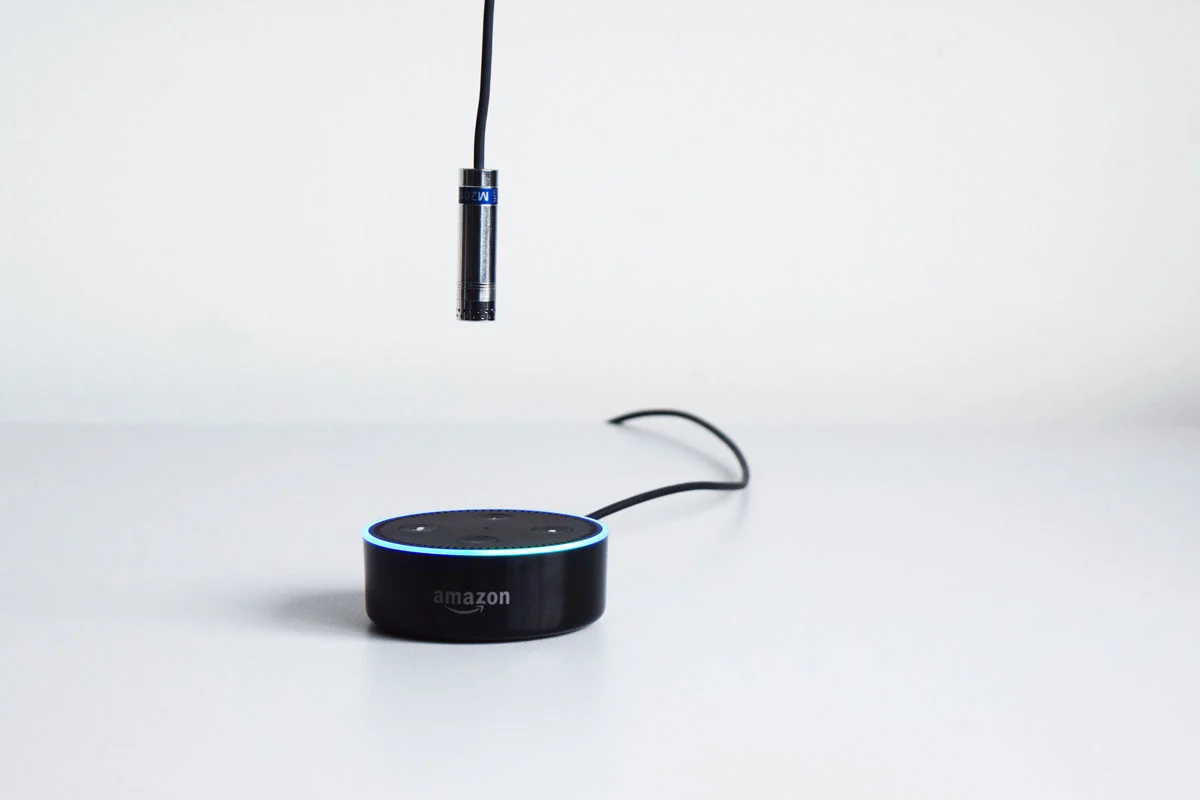
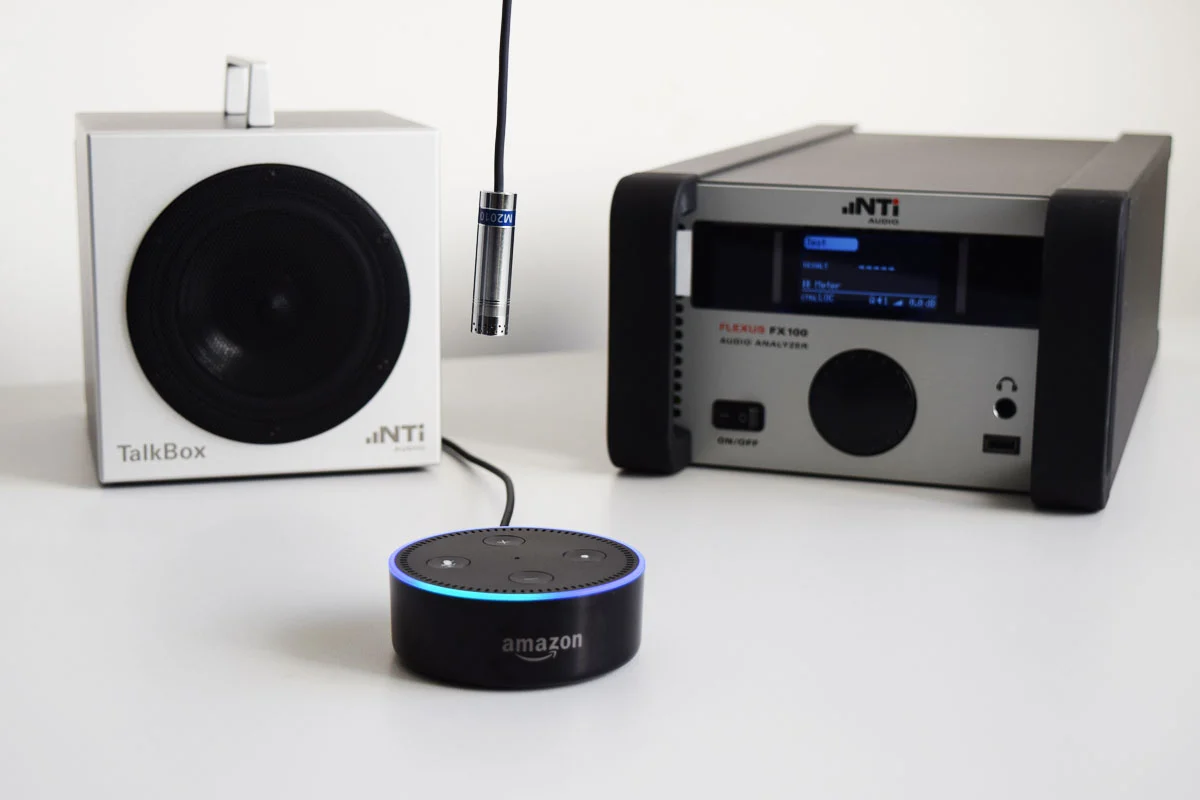
Place the M2010 microphone above the Amazon Echo Dot and connect to FX100 Input Channel 1.
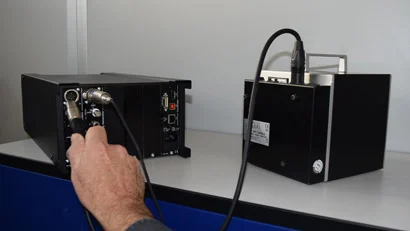
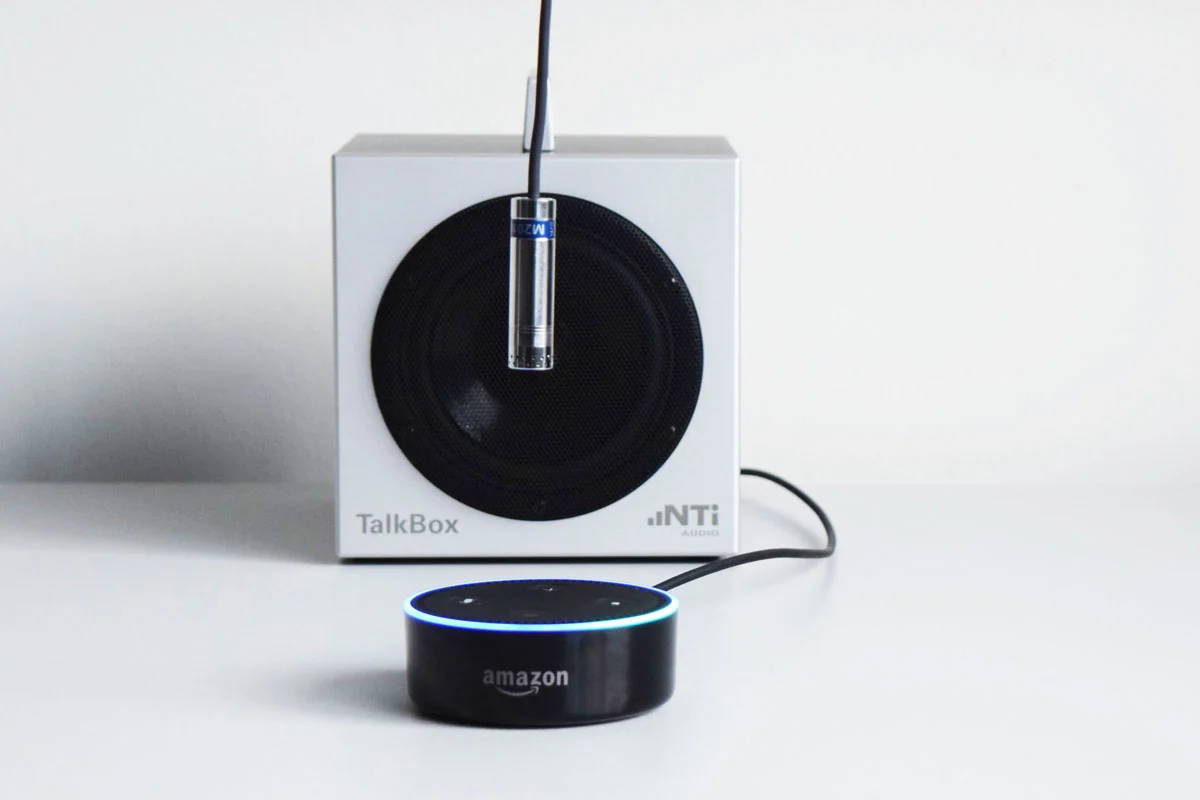
Place the NTi Audio Talkbox in front of the Amazon Echo Dot and connect to FX100 Output Channel 1.
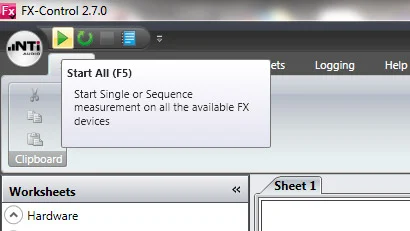
Press Start. The whole test will run automatically.
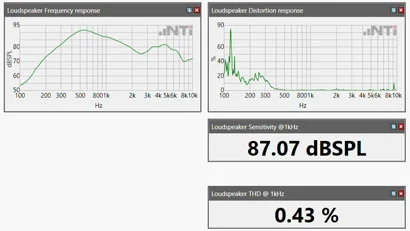
Results are automatically displayed.
The instruments you need
The Amazon Echo Dot contains both a loudspeaker and a microphone array that can be tested in sequence in an open loop configuration. Here are the instruments you need for the test:
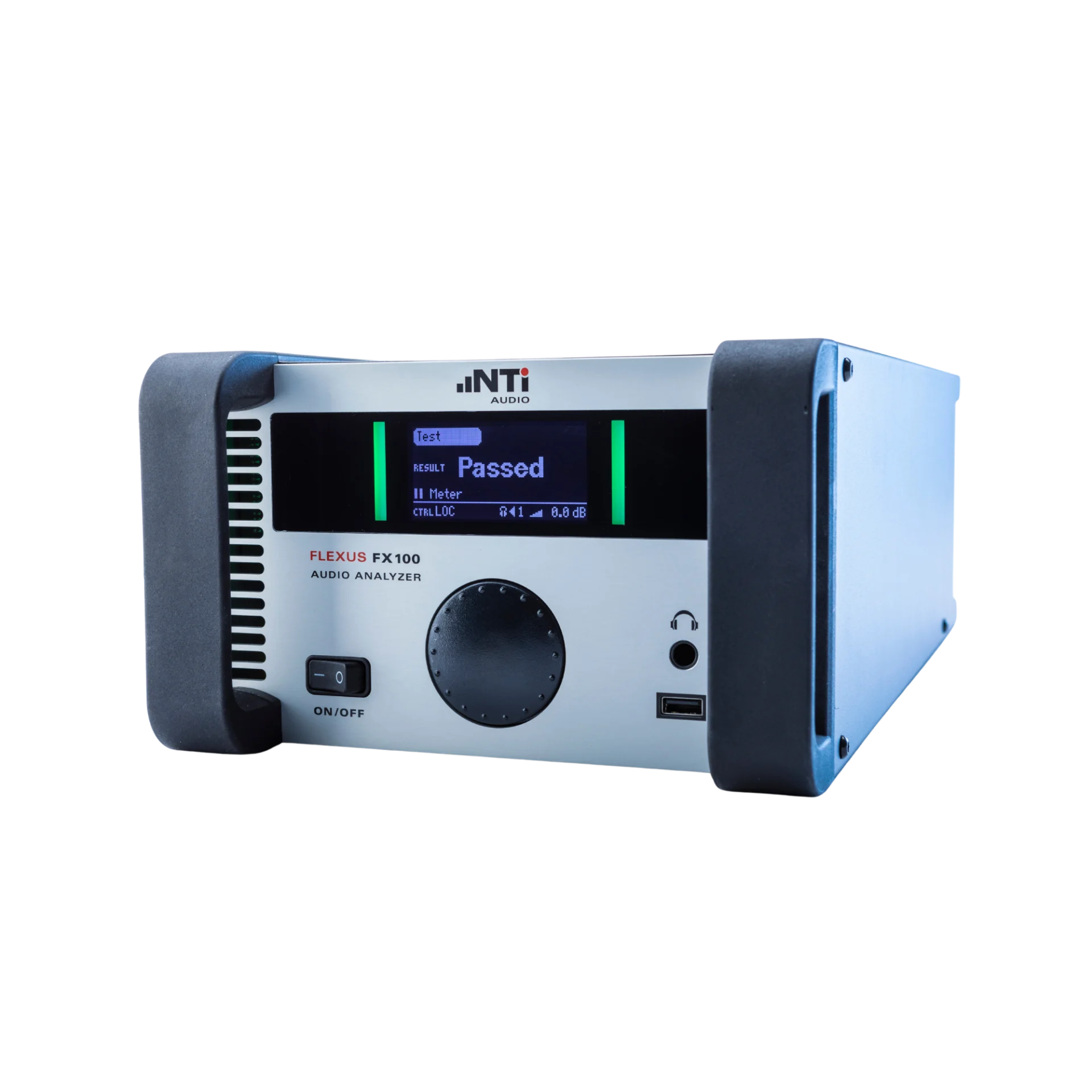
1) The Audio Analyzer
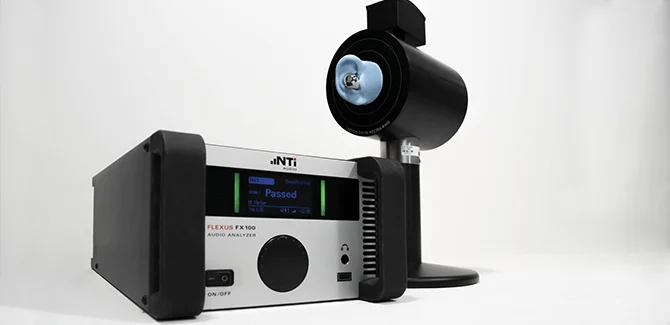
The FX100 Audio Analyzer is used to play the voice commands and audio test signals, as well as analyze and report on the results.
FX100 Audio Analyzer features:
-
- Audio generator & analyzer in one
- For R&D and quality control
- Reliable results
- Maximum measurement speed
- Easy-to-use, automated test execution
2) The measurement microphone
The M2010 Measurement Microphone picks up the test signal coming from the Smart Device loudspeaker.
- Class 1 certified frequency response
- Dynamic range 24-145 dB
- 1/2″ detachable microphone capsule

3) The calibrated loudspeaker
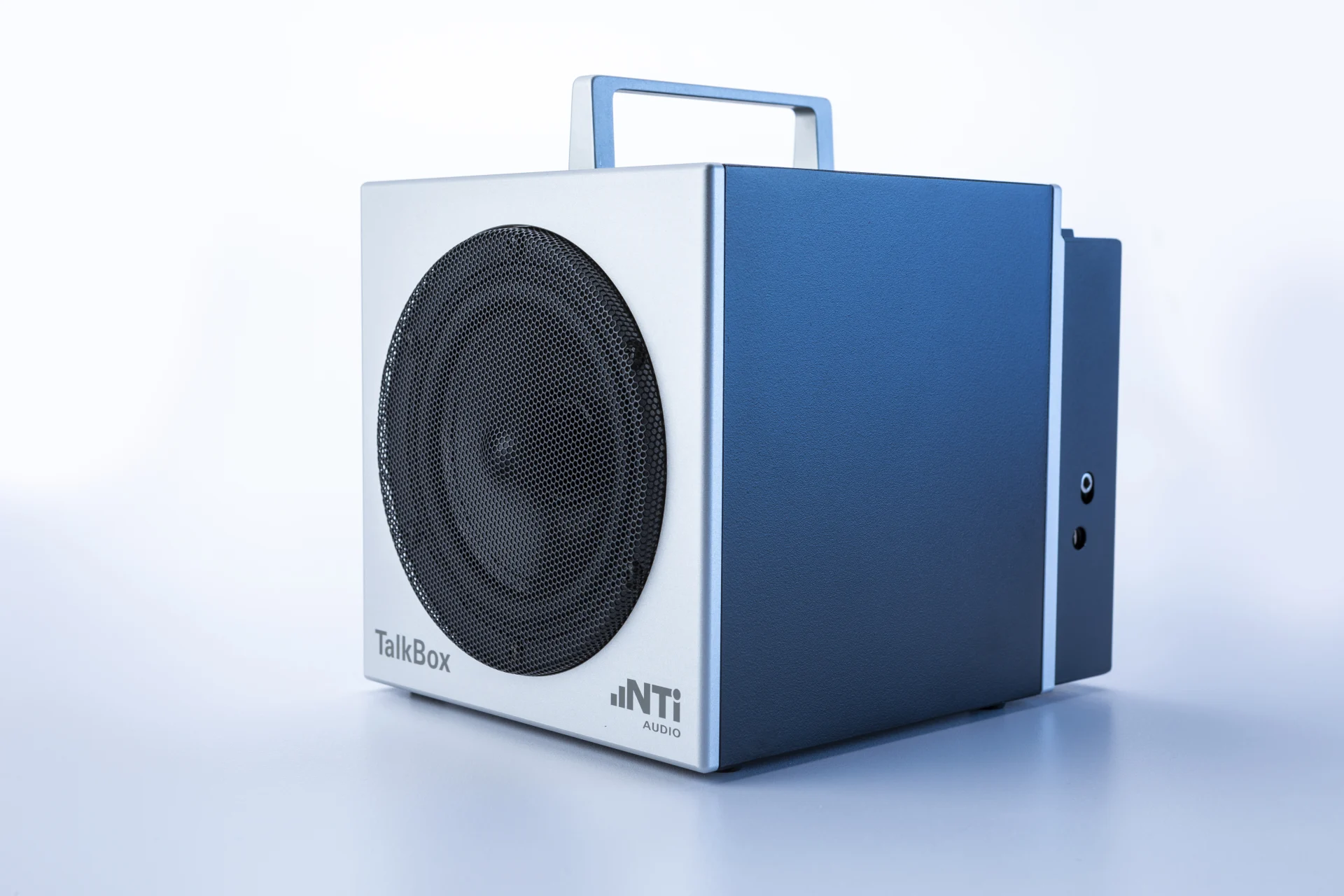
The TalkBox Calibrated Loudspeaker has two roles:
- It plays the audio test signal when the Smart Device’s microphone is under test.
- It plays the voice commands to trigger the Smart Device to play the audio test signal when the Smart Device’s loudspeaker is under test.
4) The analysis and reporting software
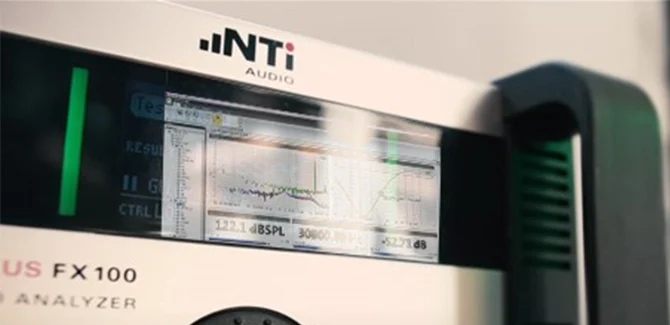
The FX-Control PC Software processes the measurement sequence, visualizes and logs the measurement results. It can also be used to produce the test signals in WAV or MP3 format.
Features:
- Fast setup
- Hardware diagram – a visual for replicating the physical test setup at other locations.
- Sequence mode – individual measurements may be combined into test sequences, including tolerance handling and Pass/Fail result, creating a test workflow that is easy to understand for the operator.
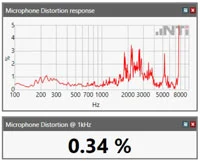
Which values are measured?
The loudspeaker values measured in this test are:
- Frequency response in dBSPL
- Distortion response in %
- Sensitivity @ 1 kHz in dBSPL
- THD @ 1 kHz in %
- Steepness (Rub&Buzz) response in Pa/s
The microphone values measured in this test are:
- Frequency response in dBV
- Distortion response in %
- Sensitivity @ 1 kHz in dBV
- THD @ 1 kHz in %
The Open Loop challenge
Smart Devices have to be tested using an “Open Loop” rather than a “Closed Loop” test. Conceptually, open loop tests can be slightly more challenging because the test procedures have a couple of steps more than in closed loop tests. Also, not all commercially-available analyzers are capable of testing open loops.
Fortunately, the NTi Audio Smart Device Testing solution ensures that open loop testing is not a challenge at all.
For your interest and understanding, we now discuss the difference between open and closed loop testing:
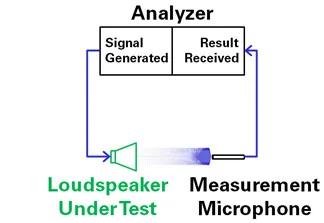
A Closed Loop Loudspeaker Test
A loudspeaker test is defined as being “closed” when the generator is connected directly to the loudspeaker under test. Therefore, in a Closed Loop loudspeaker test, we connect the sound generator directly to the wires at the back of the loudspeaker under test and play the test signal. The response of the loudspeaker to this test signal is measured with a measurement microphone, and recorded by the analyzer.
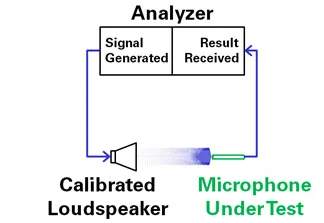
A Closed Loop Microphone Test
Similarly in a Closed Loop microphone test, the analyzer is connected directly to the wires on the back of the microphone under test. We play the test signal through a calibrated loudspeaker, and the response of the microphone is recorded by the analyzer.
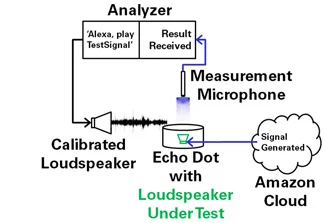
An Open Loop Loudspeaker Test
For a loudspeaker test on the Amazon Echo, we have no direct physical access to the back of the loudspeaker in the Echo itself (without destroying the Echo). The test signal is fetched by Alexa from the Amazon Cloud. As the generator is thus not connected directly to the loudspeaker under test, we have what is considered to be an Open Loop loudspeaker test.
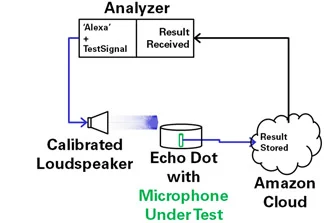
An Open Loop Microphone Test
To test the microphone array in the Amazon Echo, we also have no direct physical access to the back of the microphones in the Echo itself (again without destroying the Echo). The signal recorded by the Echo microphones is stored on the Amazon Cloud and played back manually to the Analyzer. As the analyzer is not connected directly to the microphones under test, we have what is considered to be an Open Loop microphone test.
NTi Audio instruments at work
Where to next?
Here you will find information about other Quality Control Applications:
Quality Control